
Your year-in-review pages capture the moments that defined your high school years and the memories you will want to look back on later.
Before you begin, decide whether you want to cover all your years in high school or just your final year.
Then think about the moments that deserve a place in your yearbook: activities, achievements, laughs, surprises, or projects that truly represent your graduating class.
How to Gather Information
A year-in-review section takes shape throughout the year. If you wait until spring to start working on it, you may forget some memorable moments.
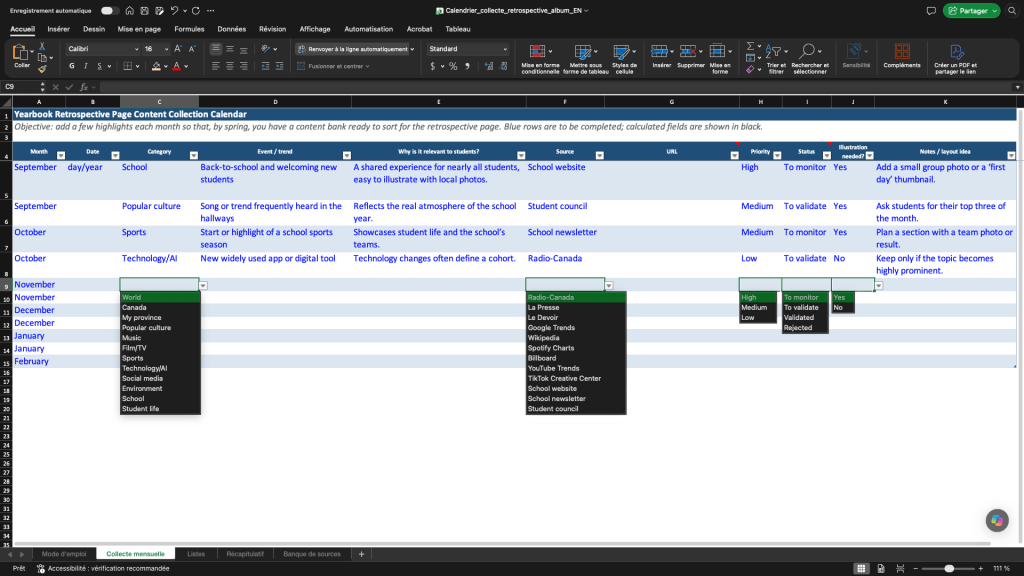
Create a shared document using Teams, Google Docs, OneNote, or another platform to collect important information. Each committee member can add events that catch their attention. During committee meetings, organize the ideas into categories and decide which ones to keep. This will make it easier to create the pages at the end of the year.
For each event, include:
• the date
• a title
• a short description
• a link to a reliable source
• why the event is memorable
If you have photos, add those too.
You will find an example using a calendar here:
Ideas for Topics to Include
Here are a few ideas for events to feature on your pages.
Events Involving Your Graduating Class
Think about the activities that brought your graduating class together:
- Theme days
- Events postponed because of the weather
- Projects or challenges you took on together
Events at Your School
What moments stood out in student life?
- Major renovations
- The opening of new spaces
- A sports or cultural achievement
Events in Your City or Region
Local events can also make a school year memorable:
- The opening of a new business
- A popular festival
- A regional sports or cultural event
Major Events Around the World
Some events may have sparked conversations in class or online:
- Scientific or technological breakthroughs
- Popular cultural trends
- Major news stories
Where to Find Reliable Information
Use credible sources when writing your pages:
- United Nations (UN) News for stories about topics such as the climate, conflicts, and discoveries
- Radio-Canada’s annual year-in-review coverage
- Local media, including websites, radio stations, and newspapers
- Your school’s website or social media accounts
- Google Trends to find popular topics
- Spotify Wrapped for music trends
Include your own memories as well. Photos, school activities, and stories about your graduating class will make the year-in-review section more personal.
Important: Cite your sources in small print at the bottom of your yearbook pages.
How to Summarize an Article
A good summary does not repeat every detail in an article. It presents the key information in just a few lines.
Use these questions to guide you:
- What happened?
- Where did it happen?
- When did it happen?
- Why is it important?
- How does it relate to students or the school year?
Then summarize the information in one or two short sentences using your own words.
Layout Idea
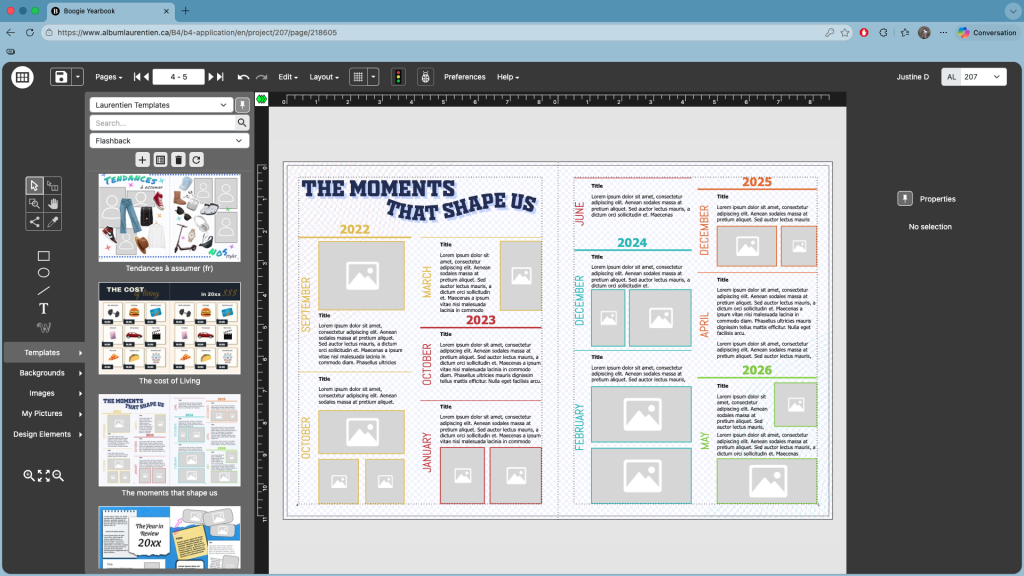
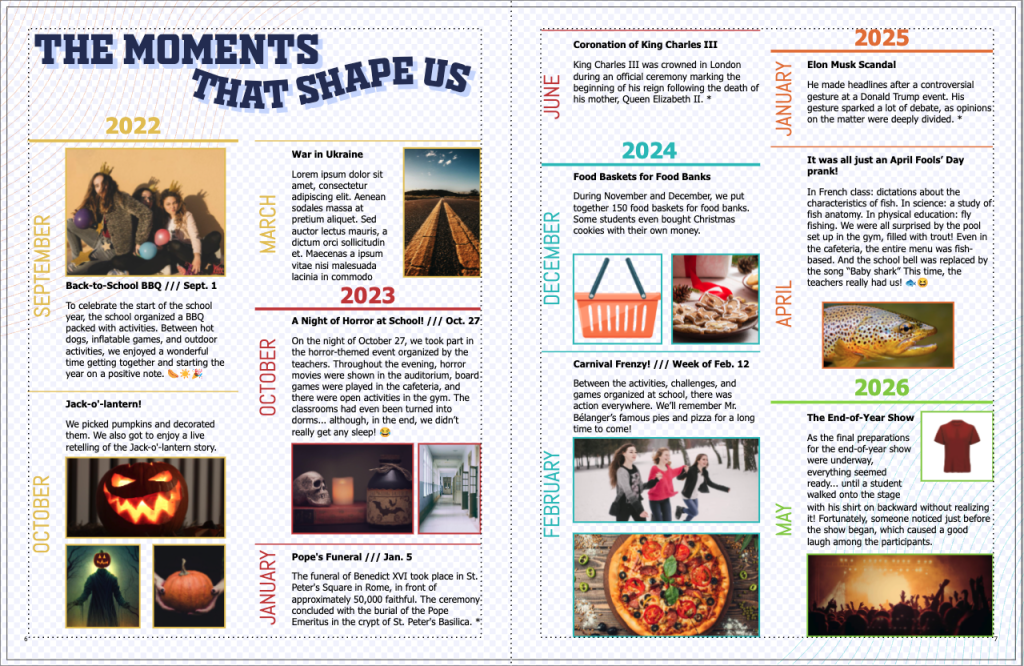
Instead of using a simple timeline, divide your pages into sections to better organize the events. Check out the Year in Review section in Boogie Album for inspiration or to choose a layout. You can then customize the colours, fonts, and headings so the template reflects your graduating class.
One Last Tip
The best year-in-review pages tell your story. Choose events that make you smile, think, or laugh today. A few years from now, these memories will help you relive part of your high school experience and remember everything that made your graduating class so special!
Justine Dupont, Graphic Designer