Sending your files
Please send all documents that are to be included in your student planner via your Boogie account.
Refer to the Technical Specifications section for the types of files we accept and for the formats required.
1. Log in to your Boogie account.
2. Make sure you select the right project.
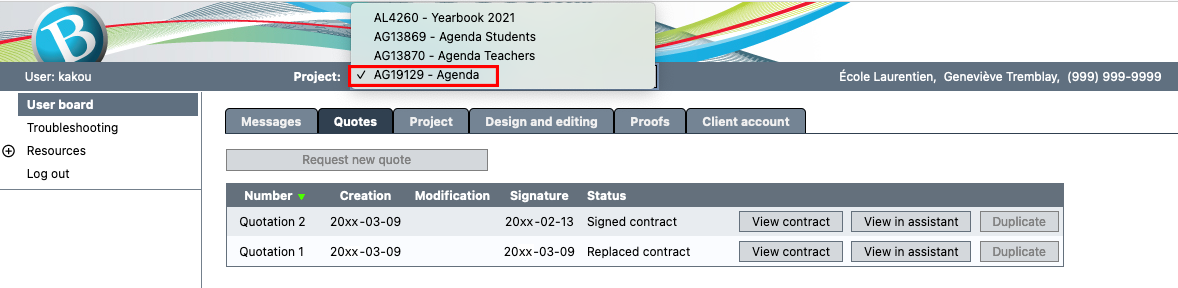
3. Click on the Design and editing tab.
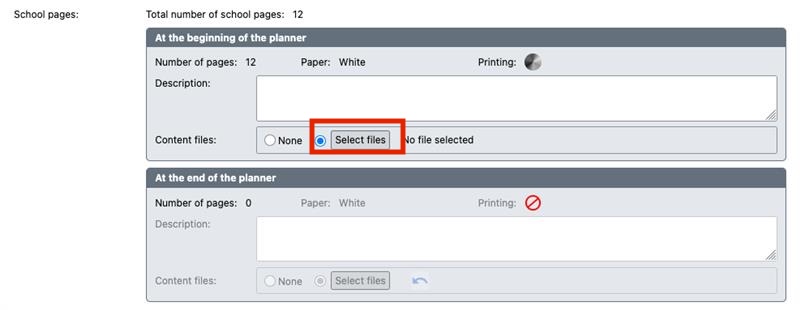
4. Add your files in the appropriate section (Cover design / Cardstock Pages / School Pages / Inserts – Leaves).